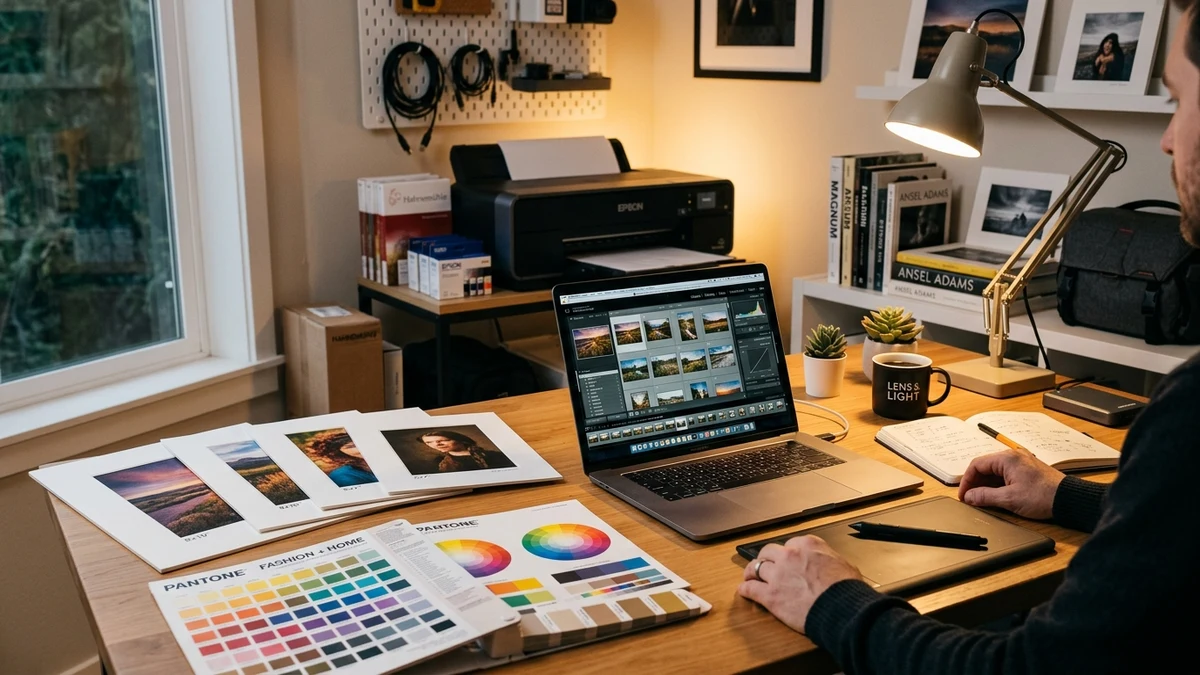
Seiko Epson Corporation offers two premier dedicated photo printing applications for Windows and macOS: Epson Photo+ and Epson Print Layout. While both tools are free, they are engineered for distinctly different photographic workflows, skill levels, and hardware categories.
1. Architectural Overview & Design Philosophy
Epson Photo+ is tailored for end-to-end simplicity and creative versatility. It functions as a complete layout suite where users can crop images, apply automatic portrait lighting corrections (PhotoEnhance), add greeting card borders, arrange multiple pictures onto a single sheet, and print directly onto printable CDs/DVDs without opening complex photo editing software.
Epson Print Layout (EPL), in contrast, was designed as an advanced RIP-style printing frontend and plug-in for Adobe Photoshop, Lightroom Classic, and Nikon/Canon RAW converters. It omits decorative clipart and collage templates, focusing purely on absolute color fidelity, 16-bit processing pipelines, and gallery wrap canvas mechanics.
2. Feature Comparison Matrix
| Feature / Capability | Epson Photo+ | Epson Print Layout |
|---|---|---|
| Primary Target Audience | Home, Family, Photo Enthusiasts | Pro Photographers, Fine Art Studios |
| Target Printer Lines | EcoTank (L/ET Series), Expression (XP Series) | SureColor (SC-P Series), Pro EcoTank (ET-8550) |
| Creative Layouts (Collage/Cards) | Comprehensive template library | Basic multi-page / contact sheet only |
| CD / DVD Disc Printing | Native built-in disc template editor | Not supported |
| Color Engine & ICC Profiles | Epson Auto PhotoEnhance & standard ICC | Advanced custom 3rd-party ICC, Soft Proofing |
| Black & White Photo Mode (ABW) | Basic monochrome filter | Advanced Black and White (ABW) toning controls |
| Lightroom / Photoshop Plugin | Standalone application only | Direct plugin export integration |
| System Resource Footprint | Lightweight (~126 MB) | Moderate (~85 MB) |
3. When to Choose Epson Photo+
You should download and install Epson Photo+ if:
- You want fast, borderless 10x15cm (4x6 in) or A4 prints with vibrant, automatic color optimization.
- You want to create photo collages, scrapbooks, or school ID photo sheets without learning graphic design software.
- You own an Epson printer with a CD/DVD or PVC card tray (such as EcoTank L8050 or XP-8600).
- You prefer a simple, streamlined 3-step print dialog over technical color management settings.
4. When to Choose Epson Print Layout
You should opt for Epson Print Layout if:
- You shoot in RAW and edit inside Adobe Lightroom Classic or Photoshop.
- You use third-party fine-art papers (such as Hahnemühle, Canson, or Moab) requiring custom ICC color profiles.
- You need soft-proofing capabilities on calibrated monitors with out-of-gamut warnings.
- You produce stretched canvas gallery wraps with mirrored or colored edge margins.
Summary Recommendation
For 90% of home and enthusiast printing tasks, Epson Photo+ offers the fastest, most reliable, and most enjoyable printing experience. You can download the latest installer directly on our Epson Photo+ Homepage. For troubleshooting setup issues, consult our guide on fixing printer offline communication errors.